Webhooks replace wasteful refresh loops with an event-driven contract. When a connected account receives a message, tip, purchase, or subscriber change, The Only API can POST a signed JSON event to your server. Your job is to authenticate the delivery, persist it once, and return quickly.
This guide uses the implemented webhook contract rather than a generic example. Webhooks are panel-scoped, authenticated when configured, filtered by event type, signed with HMAC-SHA256, and retried on failure.
Events you can subscribe to
The current public event taxonomy includes new_subscriber, renewed_subscriber, expired_subscriber, new_tip, new_message, new_purchase, balance_increased, polling_paused, and the reserved payout_completed type. The last type is not currently emitted, so do not design a payout workflow that depends on it.
Use narrow subscriptions where possible. A billing pipeline may need new_tip and new_purchase, while an inbox worker needs new_message. The wildcard is useful during development but creates unnecessary processing in production.
Register a webhook
Create a webhook with POST /webhooks under your CRM base URL:
curl -X POST "https://theonlyapi.com/api/crm/$ONLY_API_CRM_ID/webhooks" \
  -H "X-API-Key: $ONLY_API_KEY" \
  -H "Content-Type: application/json" \
  -d '{
    "url": "https://example.com/webhooks/the-only-api",
    "event_types": ["new_message", "new_tip", "new_purchase"],
    "description": "Production event receiver"
  }'
New destination domains can require approval before delivery. Use the dashboard or webhook response to confirm status, then use the test endpoint before depending on live traffic.
Verify the raw request bytes
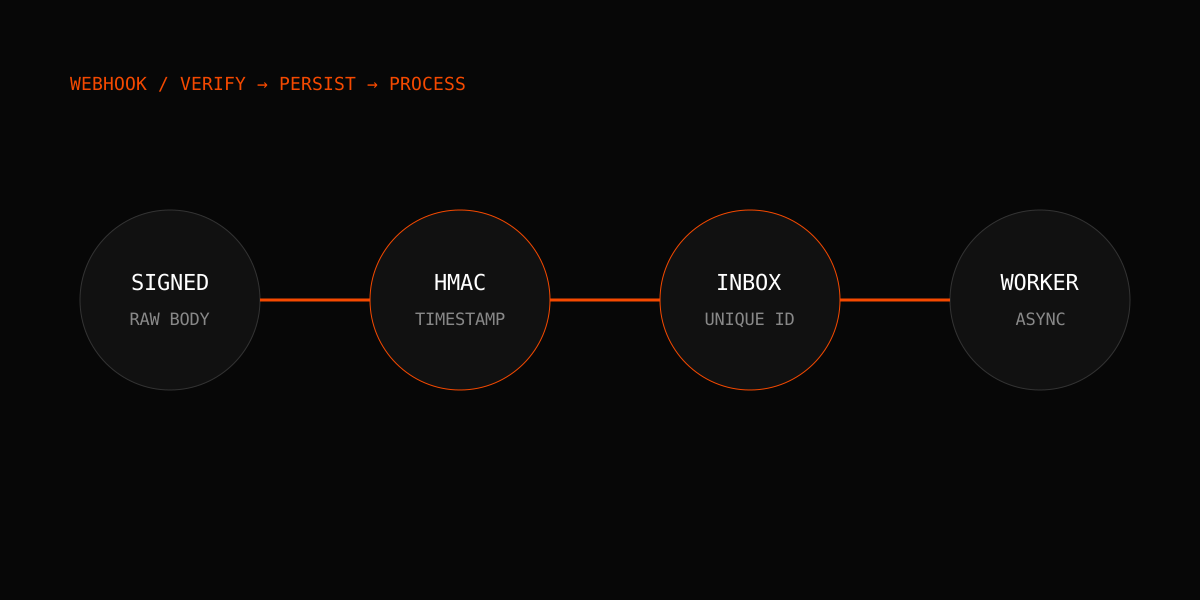
Each delivery includes X-OnlyAPI-Timestamp and X-OnlyAPI-Signature. The signature is sha256= followed by an HMAC-SHA256 digest of timestamp + a period + the exact raw body bytes.
Do not parse JSON and serialize it again before verification. Whitespace or key-order changes produce different bytes and therefore a different digest.
import crypto from "node:crypto";

export function verifyWebhook(secret, timestamp, rawBody, signature) {
  const expected = "sha256=" + crypto
    .createHmac("sha256", secret)
    .update(Buffer.concat([Buffer.from(timestamp + "."), rawBody]))
    .digest("hex");

  const a = Buffer.from(expected);
  const b = Buffer.from(signature || "");
  return a.length === b.length && crypto.timingSafeEqual(a, b);
}
Reject missing or invalid signatures. Also reject timestamps outside a small tolerance, such as five minutes, to reduce replay risk. Record the delivery ID, but never record the secret.
Persist first, process second
Your HTTP handler should do four things:
- 1.Capture the raw body.
- 2.Verify timestamp and signature.
- 3.Insert the delivery into a table with a unique delivery-ID constraint.
- 4.Return a 2xx response and process the event asynchronously.
If the unique insert reports that the delivery already exists, return success without repeating the business action. This turns retries into harmless duplicates instead of repeated DMs, tags, or accounting entries.
Understand delivery retries
Failed webhook deliveries retry after approximately 5 seconds, 30 seconds, 5 minutes, 30 minutes, and 2 hours. Five consecutive failures deactivate the webhook until it is re-enabled.
Return 2xx only after durable acceptance. A 200 response followed by an in-memory crash loses the event. Conversely, doing slow AI generation or third-party calls before responding increases timeouts and duplicates. A queue-backed inbox is the right boundary.
Event envelope
A typical payload contains an event ID, event_type, crm_id, of_user_id, occurred_at, and a payload object. Payload fields vary by event. Code against the event type and tolerate additive fields.
Do not assume every monetary event is positive revenue. Refunds and chargebacks need the documented transaction status rules when you build financial reports. Do not use webhook text as an accounting ledger.
Recover from gaps
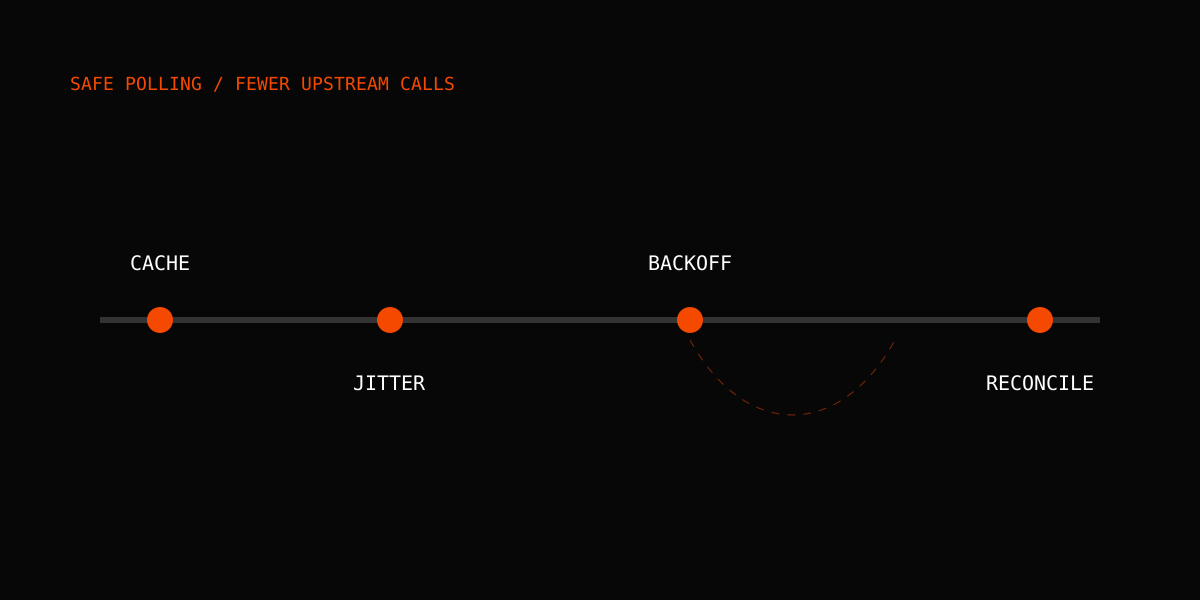
Webhooks are delivery attempts, not your only source of truth. Store the latest occurred_at and event ID you have committed. After downtime, call GET /events with a since filter and reconcile the persisted event log. For live dashboards, server-sent events are useful, but the SSE stream has no replay and should use the same backfill strategy.
Route events into automations
The built-in automation engine can filter event payloads and run webhook, Discord, Slack, Telegram, send_dm, or tag_fan actions. For example, a new_tip event with payload.amount greater than 50 can apply a VIP tag or notify an account manager.
Keep revenue-critical logic in your system of record, and treat chat notifications as secondary effects. Test automations with sample payloads before enabling them for an account.
Fansly and multi-platform events
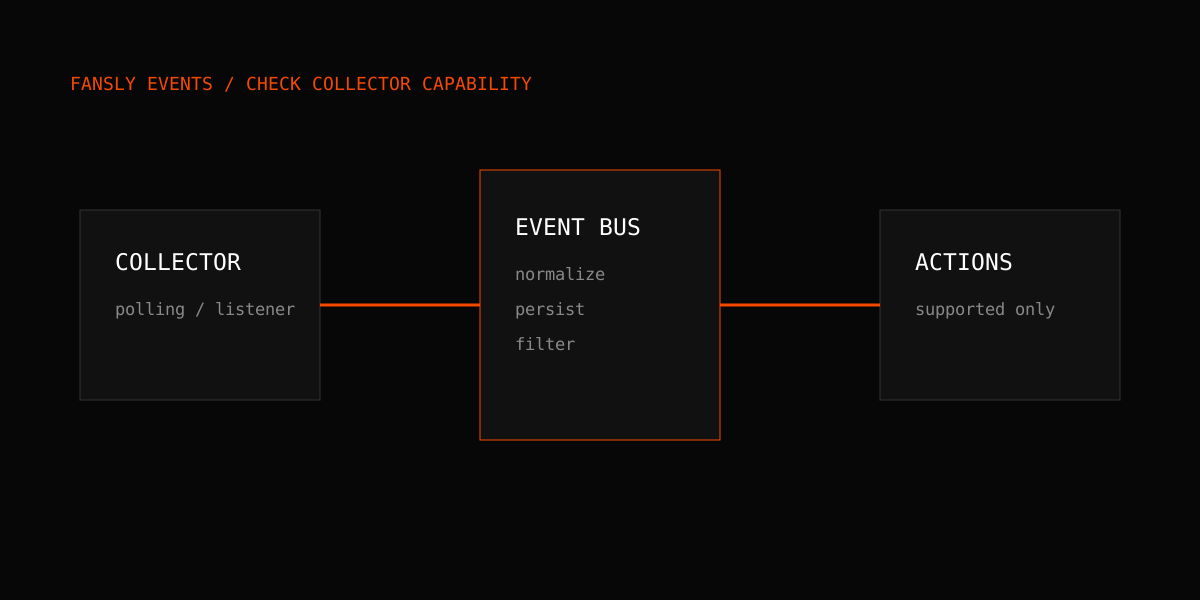
The normalized event model is designed to reduce platform-specific branching, but Fansly polling and real-time collection remain deployment-gated. Read the Fansly webhook and automation guide before assuming identical event coverage. For the broader architecture, see building a multi-platform CRM.
Developers building their first client can start with the Python tutorial or Node.js tutorial. Consult the live webhook documentation, review pricing, and keep a test receiver available for contract checks after every deployment.